
Glass that follows the hinge.
Perspective, soft blur and a clear flat endpoint. The in-app sensor preview responds to measured hinge angles; manual preview works on ordinary Android phones too.
A little glass. A shift in perspective. Olmene explores a softer way to unfold your Android — with an original renderer that responds to the hinge.
Open it slowly. Follow the light across the glass. Watch your screen soften, stretch, and settle into something beautifully clear.
↔ Drag the device to open and close
Interactive browser illustration, not device footage. The Android preview and physical-device compatibility are separate from this visual study.
Actual Olmene screens captured on an Android emulator. Explore the effect, measure hinge events, and set up the optional device experiment.
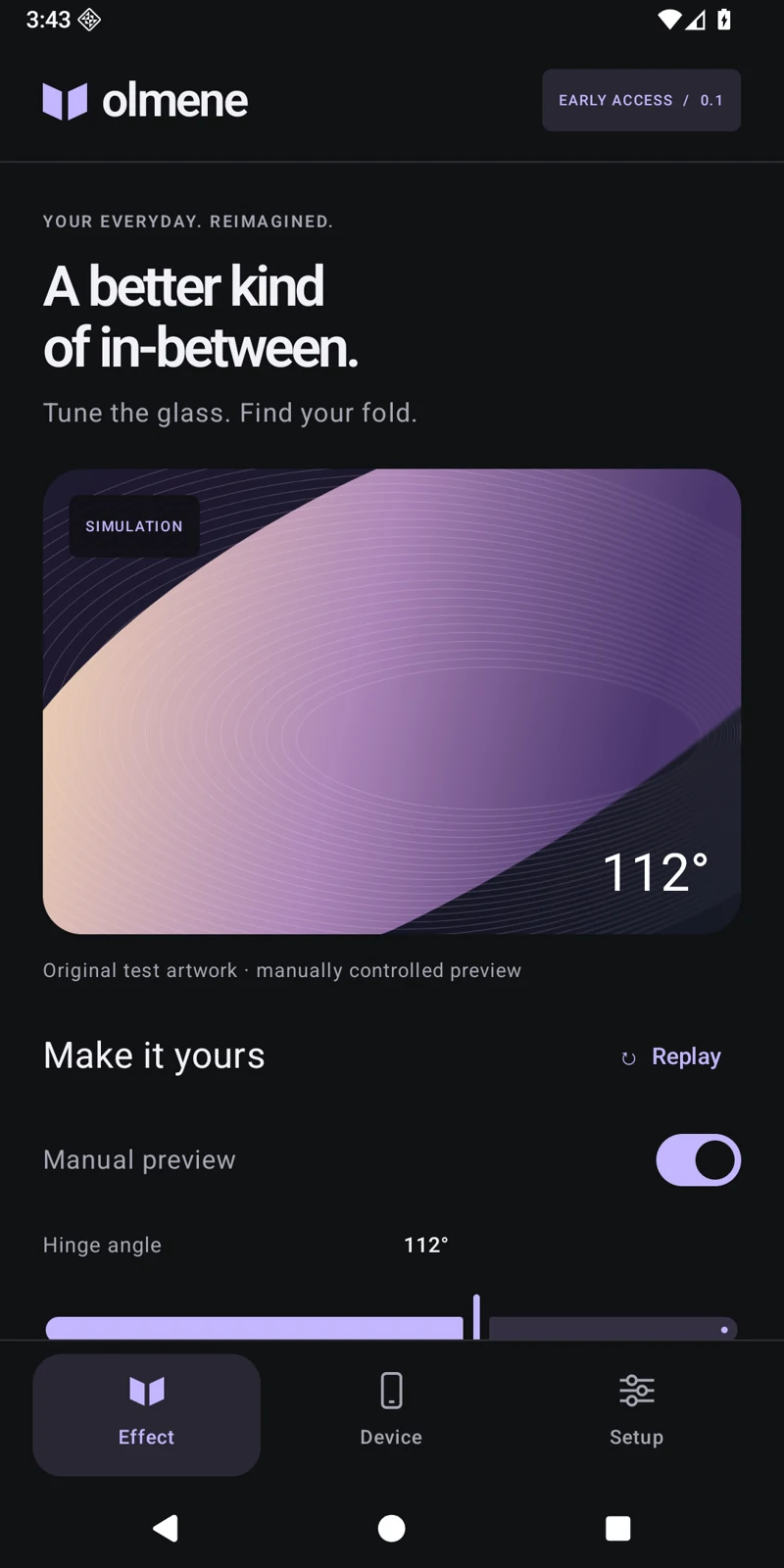
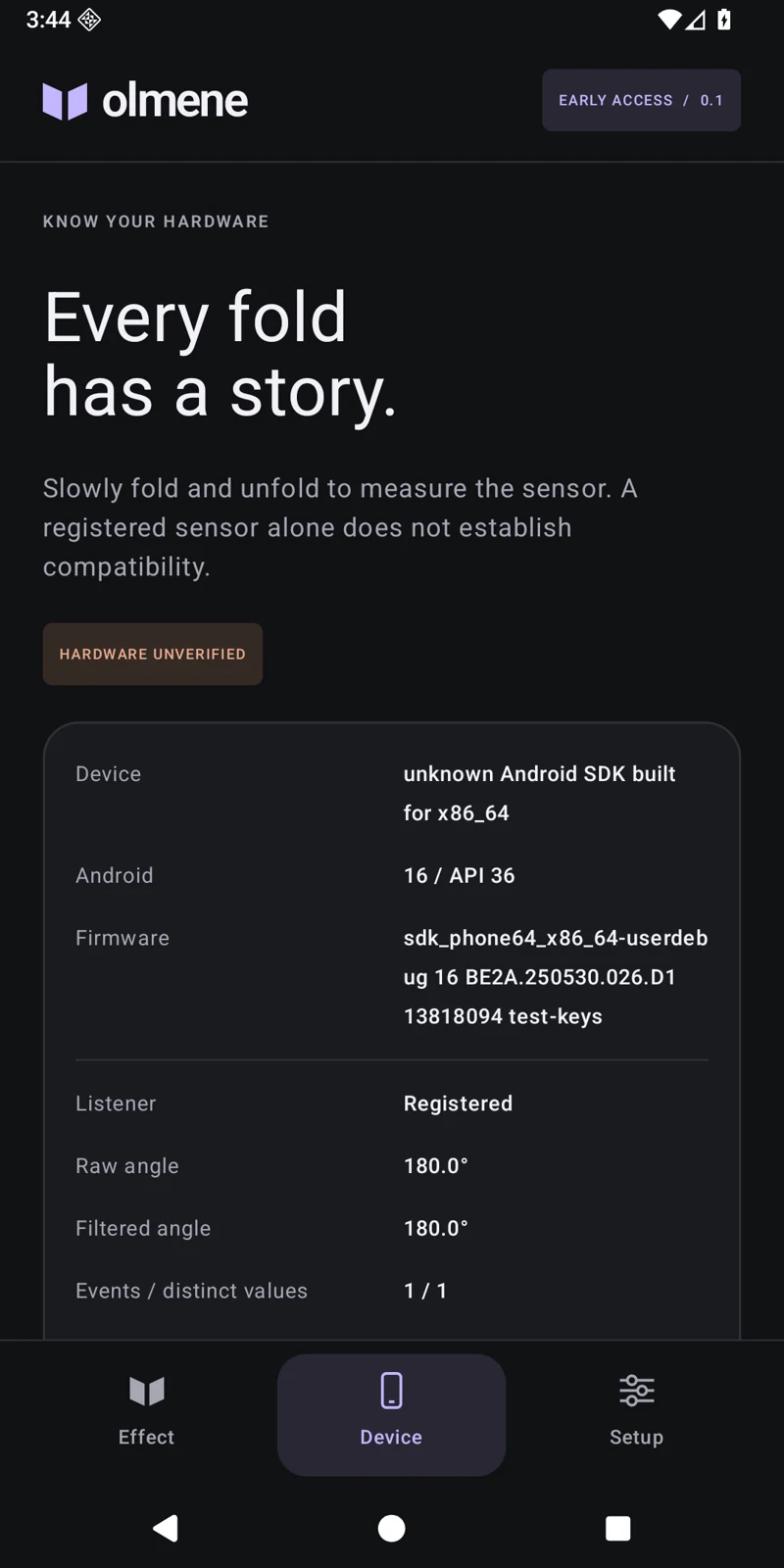
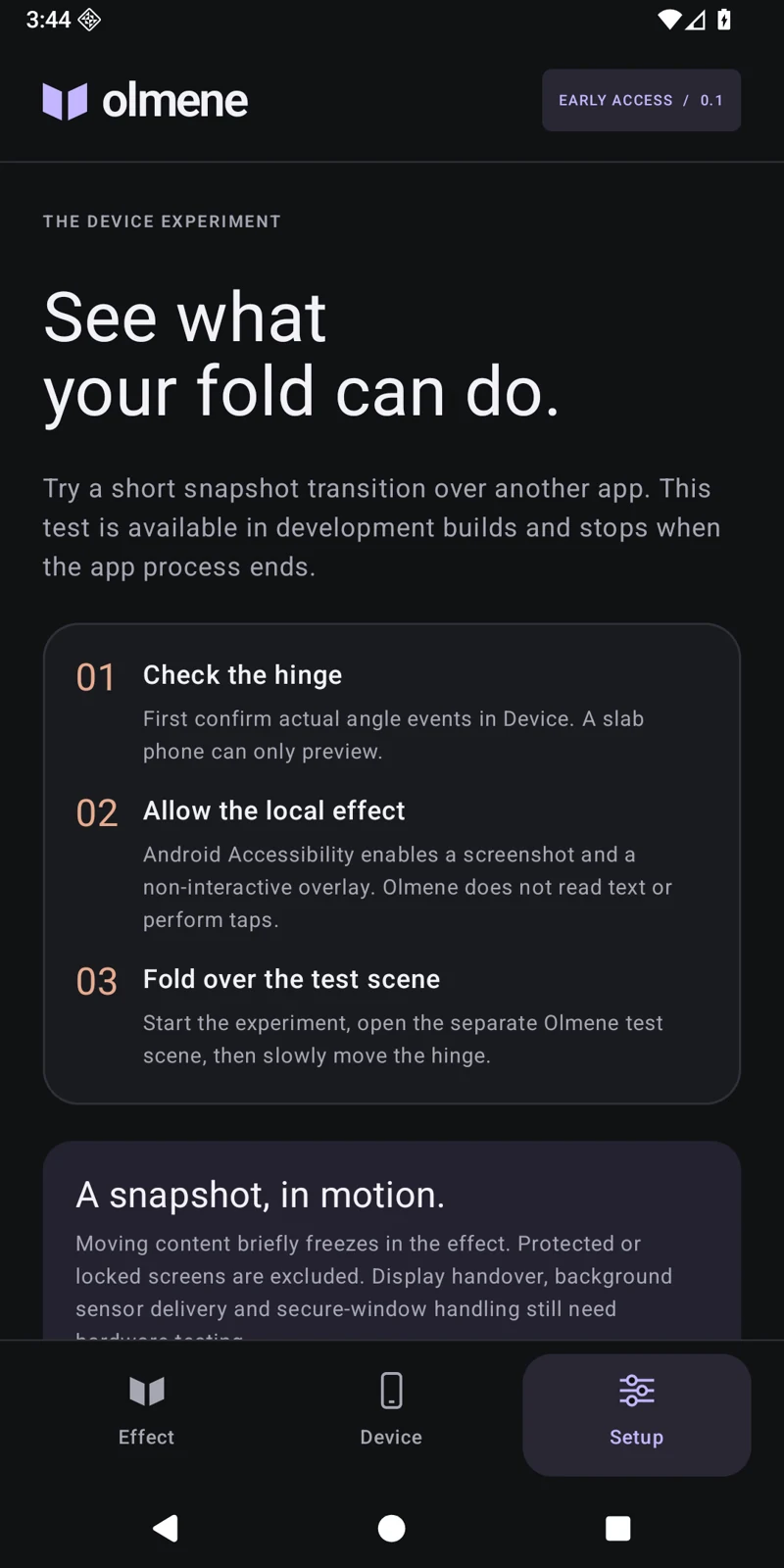
Start with a real preview. Find the feeling you like. Then see what your hardware can do.
Perspective, soft blur and a clear flat endpoint. The in-app sensor preview responds to measured hinge angles; manual preview works on ordinary Android phones too.
Choose Subtle, Balanced or Deep glass, adjust intensity, and select the moving panel. Your effect settings stay saved between sessions.
The current Android build has no network permission. The optional outside-app experiment holds a temporary screen snapshot in memory and discards it when it stops.
Download the free development APK. Android 13+ supports the in-app preview.
Try the effect, then open Device and slowly fold to check real sensor events.
On Android 14+, read the capture disclosure before enabling Accessibility for the optional snapshot effect.
Start with the free device checker. The current build is emulator-validated; no physical model or firmware is certified yet.
Physical-device verification in progressThe preview measures actual hinge events. No physical device is certified yet.
Download the development preview today.
The full product is planned at €4.99 once. No subscription.
Sales open after hardware, licensing and fulfillment are validated.
Checkout by Polar ↗Open secure checkout ↗The development experiment uses an explicitly enabled Accessibility service to transform a temporary screen snapshot. It has passed emulator checks over a separate test app. Physical hardware operation remains unverified, and moving content can briefly freeze.
The interactive phone is a browser illustration of the visual direction, adapted from the FoldFX website. The three app screenshots show the actual Olmene Android build. The browser demo does not prove real-device compatibility or system transition replacement.
The manual preview needs no Accessibility access. The optional outside-app experiment uses screenshot and window metadata access. It does not read accessibility nodes or screen text, perform taps, or upload frames.
The development preview is free. Sales are closed while physical-device support, production signing, license activation and checkout are validated.
Tap Stop effect in Setup or disable Olmene fold effect in Android Accessibility settings. Force stopping or uninstalling also stops the experiment.