Your apps.
A new perspective.
Olmene runs in the background. The effect is drawn over Android’s actual launcher.
Olmene for Android foldables
Perspective. Soft focus. Your kind of glass.
Give your fold a little more feeling. Olmene brings real spatial blur and glass-like motion to Android, with an optional effect over your home screen and other apps on supported devices.
Outside-app effect recorded on an Android emulator.
Behavior varies by device. Check yours ↗
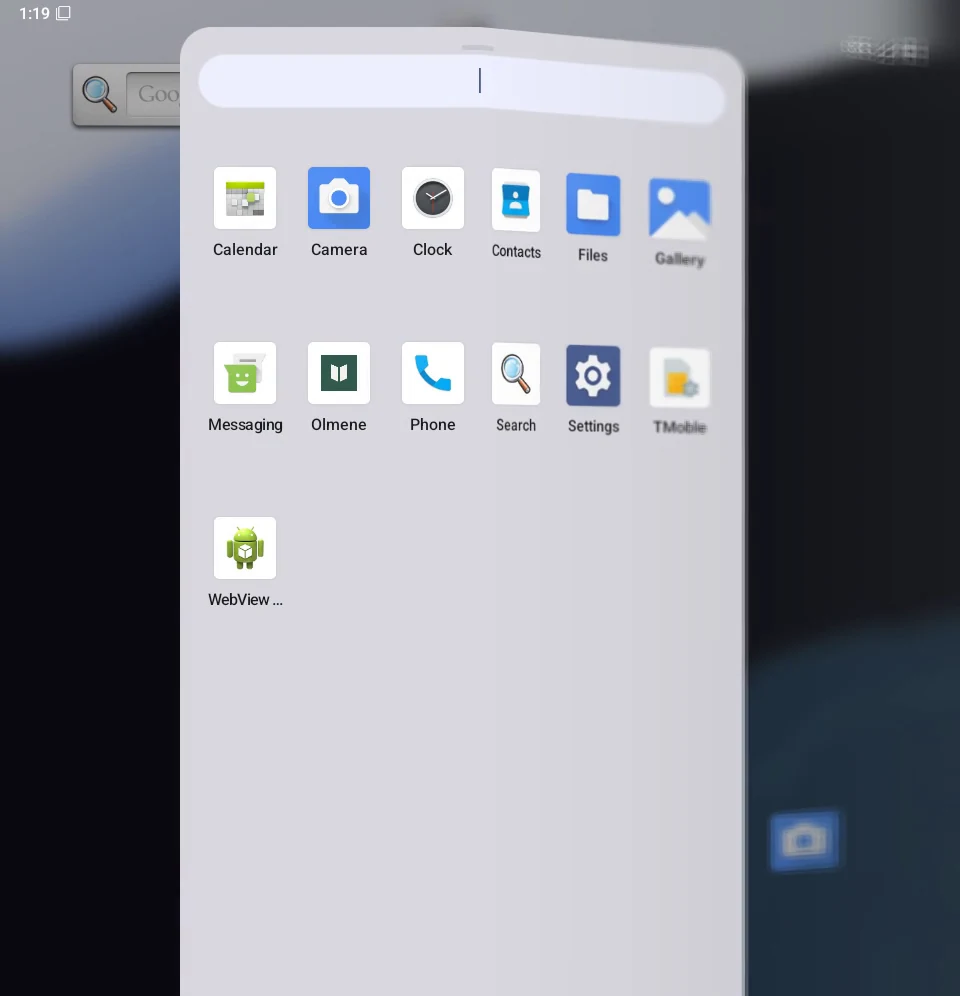
A smoother recording of Olmene 0.2 over Android’s actual app drawer. Watch the right-hand icons soften and bend with the virtual hinge, then return to clarity.
Olmene runs in the background. The effect is drawn over Android’s actual launcher.
The moving side gains spatial blur and perspective while the other side stays sharp.
The temporary effect clears as the fold settles. Your screen is yours to use again.
Recorded on 8 November 2026 using the signed retail APK, version 0.2.0, on an optimized Android 16 emulator with a 960 × 996 framebuffer. Olmene’s Activity is in the background. The virtual hinge drives three partial-fold cycles at approximately 100 sensor updates per second, with about 60 captured frames per second during motion. All 523 frames and their original timing are retained. The foldable chassis is a website illustration around the recording.
This demonstrates the outside-app snapshot effect with the inner display continuously active. It is not a full-resolution or physical-device performance benchmark. Physical-device activation, reliable operation on every fold, and full cover-to-inner handover remain unverified. Accessibility access was granted through ADB for this test. The launcher’s background blur is separate; the changing right-hand app icons and labels show Olmene’s effect.
Fine control over the effect. A clear view of your hardware. And your screen, kept on your device.
Subtle, Balanced or Deep. Choose a profile, fine-tune the intensity and select the moving panel. Your settings are saved between sessions.
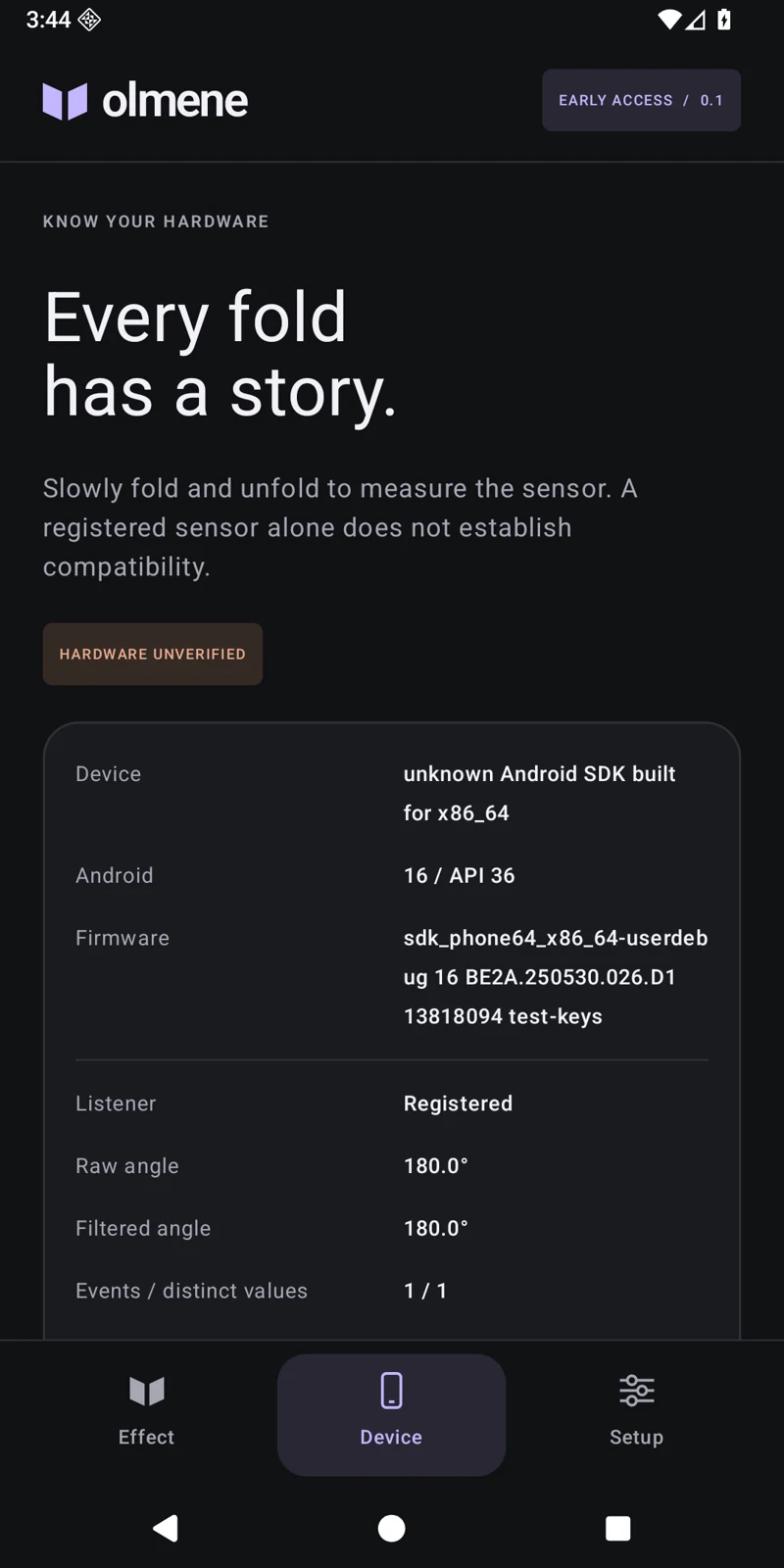
Inspect real hinge readings and sensor availability. Explore the renderer manually on Android 13+, even before enabling the optional outside-app mode.
The Android app has no network permission. Temporary screen snapshots stay in memory and are discarded when the effect stops.
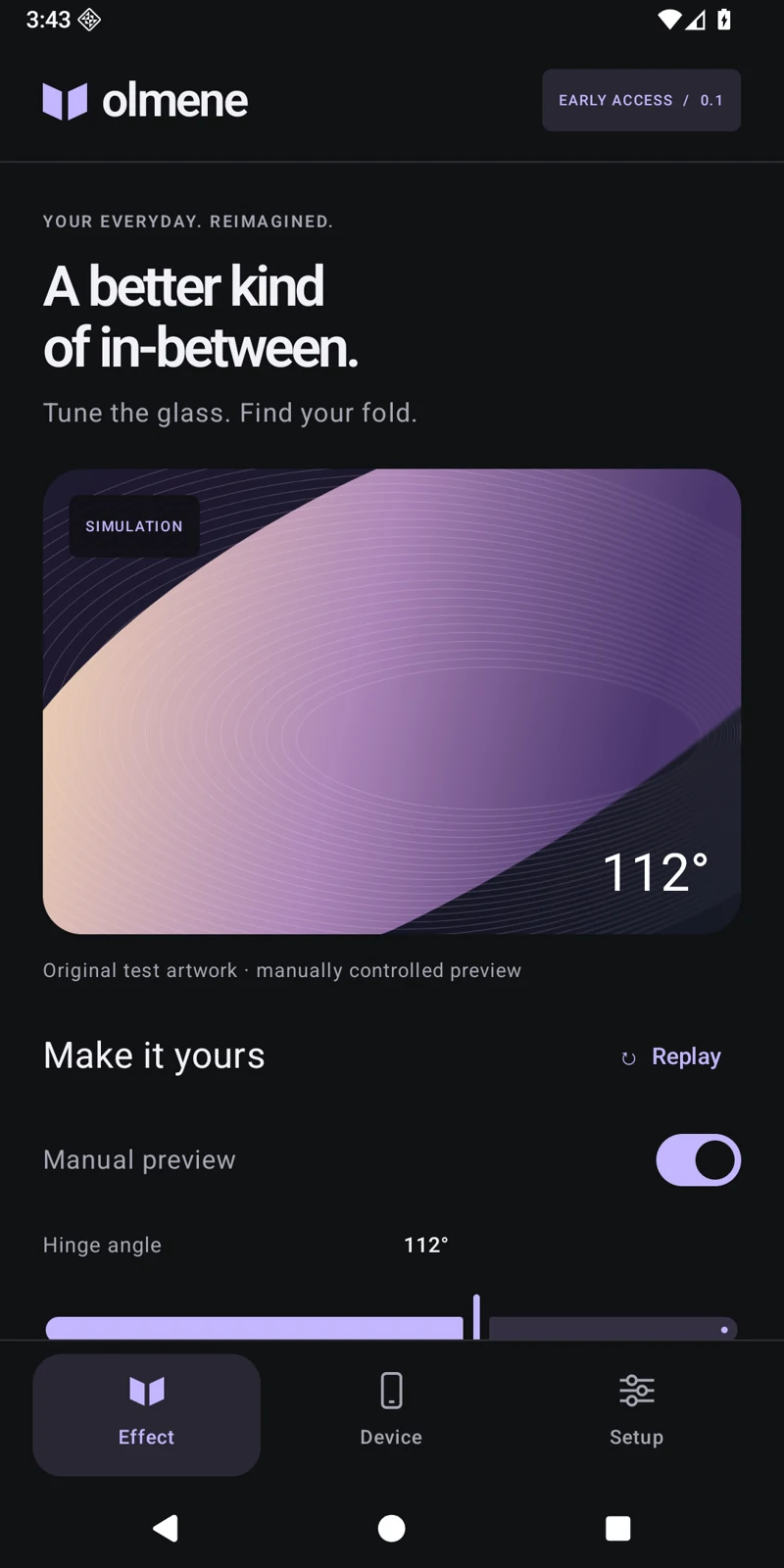
A focused Android interface. Tune the effect, understand the hinge, and start or stop the experiment from one place.
↔ Drag the device to open and close
Interactive browser illustration, not device footage. Actual device behavior differs. This illustration does not promise a system-wide animation on your device.
The renderer works. What your device allows around it can differ. Android version, sensor access and display switching all shape the experience.
Android 13+ for the in-app renderer.
Android 14+ for the optional outside-app effect.
Manual rendering and diagnostics are available on Android 13+. Outside-app effects are experimental and need usable hinge and display access.
Outside-app blur is recorded on Android emulators during partial folds, including earlier Pixel Fold profile tests. The in-app renderer was also verified on a physical Galaxy Z Fold6 / Android 14; its outside-app effect did not activate in that lab session. Full display handover remains unresolved. No physical model has certified automatic compatibility.
A small app for the moments in between. Original glass rendering, personal controls and a little more wonder in every experiment.
Yours once. No subscription.

The recording demonstrates partial folds on an emulator. Automatic outside-app effects remain experimental, may not activate on your device, and do not replace Android’s system animations. Review compatibility ↗
Your payment is handled securely by Polar.
Open secure checkout ↗Secure checkout by Polar ↗ · Download after paymentPay €4.99 once through Polar. Your installer is added to your customer library after payment is confirmed.
Sign in to your library with your purchase email, download Olmene.Apk and follow Android’s installation prompt.
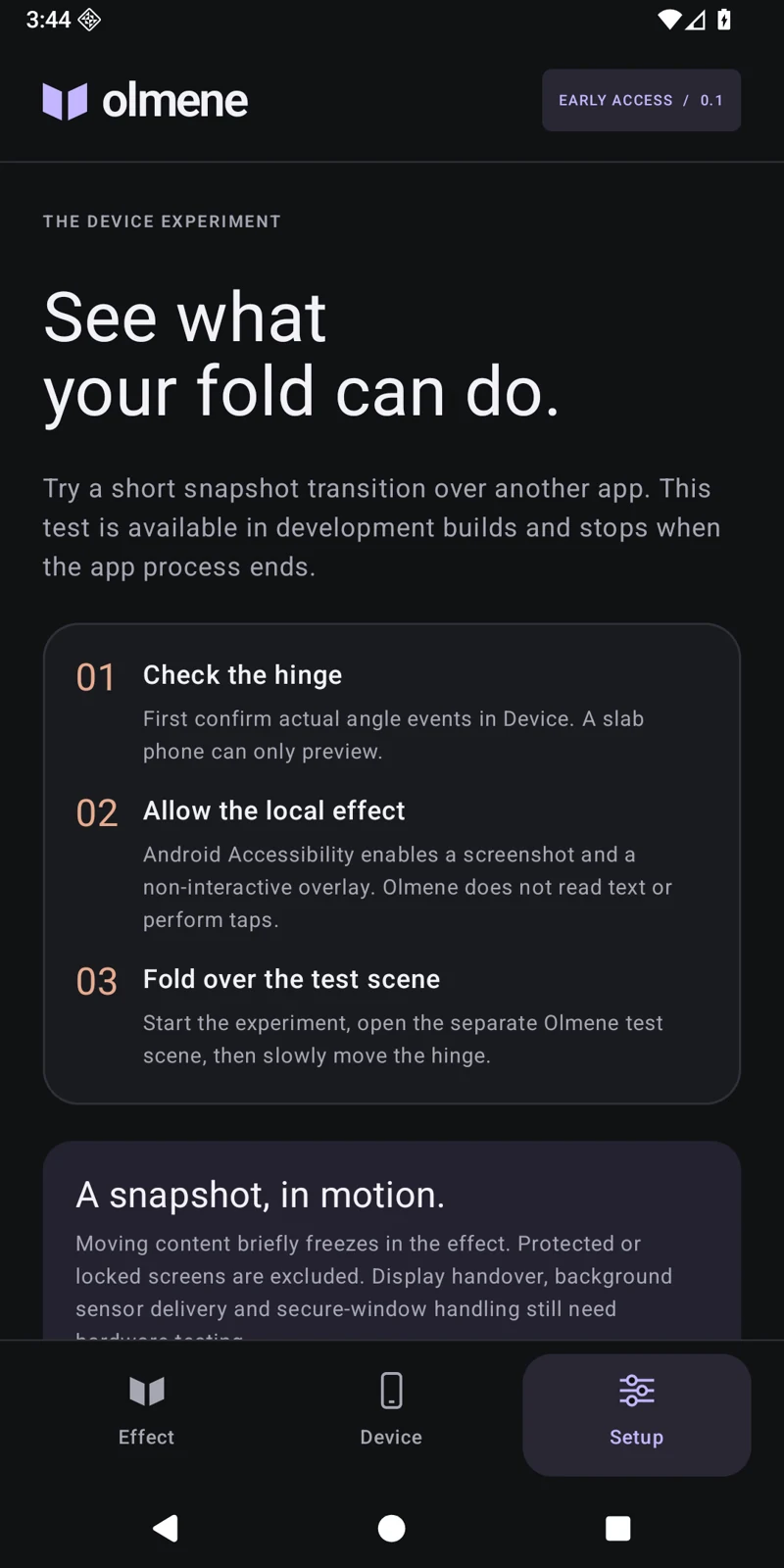
Choose a profile and check Device diagnostics. For the optional outside-app mode, enable Accessibility access and start the experiment in Setup.
Yes—the video shows the signed retail build applying blur and perspective over Android’s actual app drawer on an optimized emulator while Olmene’s Activity is in the background. It uses the virtual hinge sensor during partial folds with the inner screen active. Physical-device activation and full cover-to-inner handover are not established by this recording.
The Olmene 0.2.0 early-access Android APK: an original glass renderer, manual controls, three saved profiles, device diagnostics and an opt-in outside-app snapshot effect. Android 13+ is required; the outside-app mode needs Android 14+, Accessibility access and usable hinge readings. Automatic effects are device-dependent and may not activate.
Behavior varies by model, Android version and firmware. The manual renderer was verified on a physical Galaxy Z Fold6 with Android 14 and on the Pixel Fold emulator. Outside-app operation is demonstrated on the emulator only. Manufacturer restrictions, coarse sensor readings and display switching can prevent it from working. No physical model has certified automatic compatibility.
Open your Polar customer library and sign in with the email used at checkout. Download Olmene.Apk, currently the signed 0.2.0 release, and install it on Android. Polar confirms payment and checks access before providing the installer. The success-page URL alone does not unlock it.
Olmene applies real spatial blur. The outside-app mode transforms a temporary screen snapshot, so moving content can briefly freeze. Live cross-window blur is not implemented. Protected content and ambiguous display routing are skipped.
The manual renderer needs no Accessibility access. The optional experiment uses screenshot and window metadata access for a temporary, non-interactive overlay. It does not request screen text or accessibility nodes, perform taps, or upload frames. Stop it in Setup or disable Olmene fold effect in Android Accessibility settings.
The video’s screen content is an actual Android emulator recording of the retail APK. Its surrounding phone chassis is an illustration. The expandable motion study is a separate browser illustration for exploring the visual idea. Neither illustrated device establishes physical-device compatibility.
Use your Polar library for your receipt and download access. For product support, contact hermeslekkasdev@gmail.com with your device model and Android version. Please keep screen contents and payment card details private.
